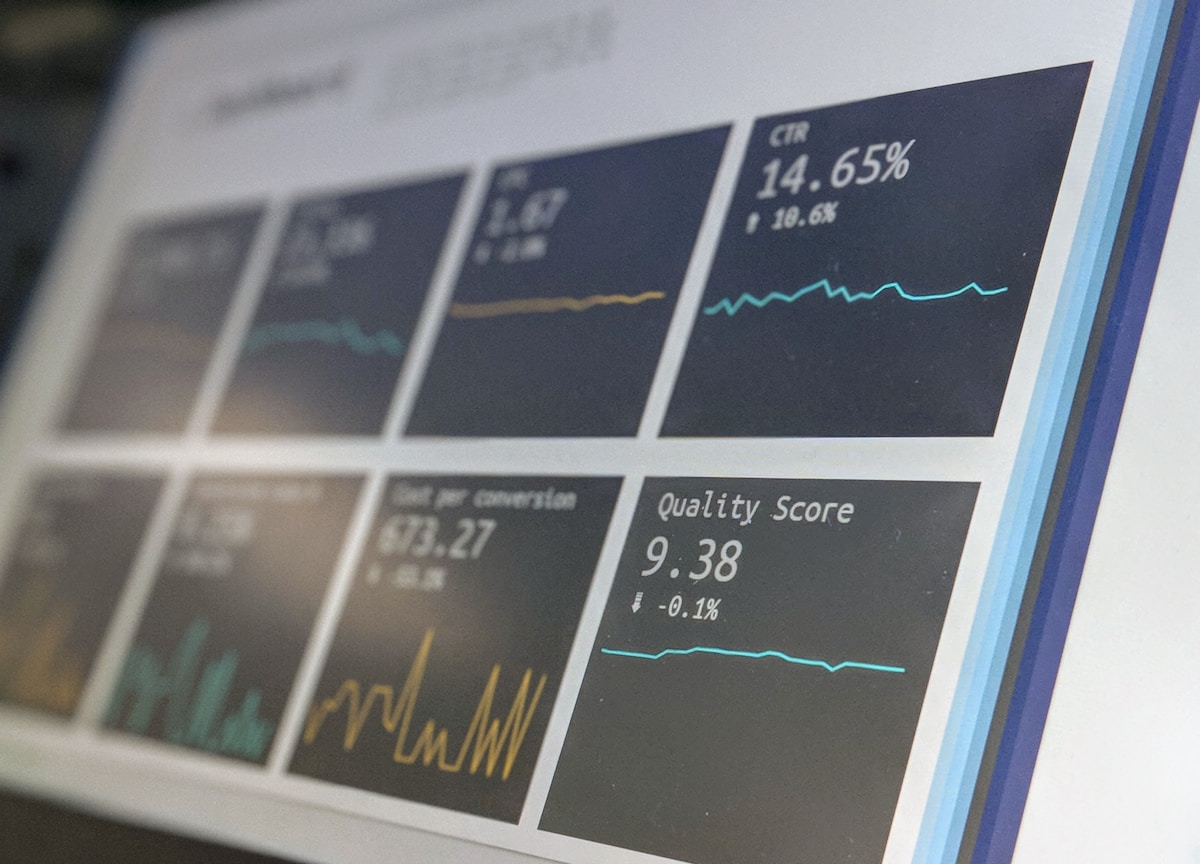
Ask most business owners how fast their website is and they'll say "feels fine to me." That's the wrong test. Google doesn't measure how a site feels to someone who already has it bookmarked - it measures how a first-time visitor on an average phone, average connection, experiences the page. That measurement has a name: Core Web Vitals, and in 2026 it's a confirmed part of how Google ranks pages, not a nice-to-have.
The three metrics, explained without the jargon
Core Web Vitals is made up of three separate measurements, each catching a different kind of bad experience:
- LCP (Largest Contentful Paint) - how long it takes the biggest visible element (usually a hero image or headline) to fully render. Google's target is under 2.5 seconds.
- INP (Interaction to Next Paint) - how quickly the page responds when someone actually taps or clicks something, replacing the older FID metric. Target is under 200 milliseconds.
- CLS (Cumulative Layout Shift) - how much content jumps around while the page is still loading, like a button shifting down right as someone tries to tap it. Target is under 0.1.
All three are measured from real visitor data where possible, not just a lab test - which means a page can look fast in a quick manual check and still be failing for a meaningful share of actual visitors on slower devices or connections.
A page can look fast in a manual check and still be failing Core Web Vitals for a meaningful share of real visitors.
What's usually actually causing the failure
In practice, a small set of causes account for most Core Web Vitals problems:
- An unoptimised or lazy-loaded hero image. If the largest image on the page is above the fold, marking it "lazy load" tells the browser to wait before fetching it - which directly delays LCP, the exact opposite of what you want for the one image that determines this metric.
- Render-blocking scripts and stylesheets. Large JavaScript or CSS files loaded before the visible content forces the browser to wait on them before it can paint anything.
- Late-loading fonts and ads shifting the layout. When a web font or an ad slot loads after the surrounding text, it can push everything below it down, causing a CLS spike right as someone's about to interact.
- Oversized, uncompressed images. A 4MB photo displayed at 400px wide is still a 4MB download - the browser has to fetch the whole file before it can show a scaled-down version.
A real example: the exact opposite mistake
This is a mistake worth naming specifically because it's easy to make without noticing. During a technical audit of our own site, we found that every service page's above-the-fold hero image had `loading="lazy"` set on it - which is normally good practice for images further down the page, but actively harmful for the one image visible the instant the page loads. The fix was straightforward once identified: remove the lazy-load attribute from that specific image and add a `` hint so the browser starts fetching it immediately instead of discovering it late in the page's own load sequence.
The lesson isn't "never use lazy loading" - lazy loading is correct and helpful for every image below the fold. It's that the rule needs to be applied selectively, not copy-pasted onto every image tag on the page.
How to check where you actually stand
Google Search Console's Core Web Vitals report shows real visitor data, grouped by URL, and flags exactly which metric is failing on which pages - that's the most reliable starting point, since it's field data rather than a single test run. PageSpeed Insights gives a per-page lab and field breakdown and, more usefully, often names the specific element or script causing the issue.
- Check Search Console's Core Web Vitals report for pages flagged "poor" or "needs improvement."
- Run your most important pages (homepage, top service or product pages) through PageSpeed Insights individually.
- Check every above-the-fold image for an unnecessary lazy-load attribute.
- Look for fonts, ads, or embeds loading after the page's initial paint that could be shifting layout.
None of this requires a full rebuild. It requires finding the specific two or three technical issues actually causing the failure, which is usually a fraction of the page, not the whole thing.
Not sure if your site is passing Core Web Vitals?
We run a free technical audit and tell you exactly which pages are failing and why.
Explore Website Design & Development