CMS Website
A website you can actually update yourself.
Content management built around how your team actually works - not a system that needs a developer for every text change.

Content management built around how your team actually works - not a system that needs a developer for every text change.
A content management system is the difference between calling us to fix a typo and fixing it yourself in two minutes. WordPress, Webflow and headless platforms all solve this differently, and picking the wrong one for your team means fighting your own website for years. We choose the platform based on how your team actually works - how technical they are, how often content changes, and what you need to publish - not which one we find easiest to build.
A website without a real content-management setup behind it isn't a business asset, it's a liability with a login screen. Every time a price changes, a new offer needs a page, or a typo needs fixing, someone has to open a ticket, wait for availability, and pay for a task that should take minutes. That delay compounds - a seasonal offer that should go live the same day it's decided often ends up going live a week late, by which point the moment has often passed.
It also changes who controls your own marketing calendar. A team that can publish the moment they decide something is worth publishing moves faster than competitors who are stuck in a developer's queue, and that speed advantage shows up in everything from responding to a competitor's promotion to fixing an outdated phone number the day it changes, not the month it changes.

A one-line price update or new offer means an email and a wait, instead of a two-minute edit.
Whoever built the site holds the only access, and updating anything means chasing them down.
Adding a new service or location page requires custom development instead of filling in a template.
The site works, so nobody logs in to update it, and the content quietly goes stale.
If two or more of these sound familiar, the problem isn't your team - it's a CMS that was never actually set up for them to use.
Not a generic package - each piece below is scoped to what your team actually needs. See how that scoping works just below.
Update text, images and pages without touching code.
Blog posts, products and testimonials set up as reusable templates, not one-off pages.
WordPress, Webflow or headless, picked for your actual needs, not our convenience.
Control who can publish directly and who can only submit drafts for review.
Meta titles, descriptions and schema editable per page without needing a developer.
Organised images and files, not a folder of randomly named uploads.
See changes before they go live, so nothing publishes by accident.
A real handover, not just a login and a goodbye.
This describes the difference in deliverables, not price - we quote after understanding your actual situation, not off a rate card.
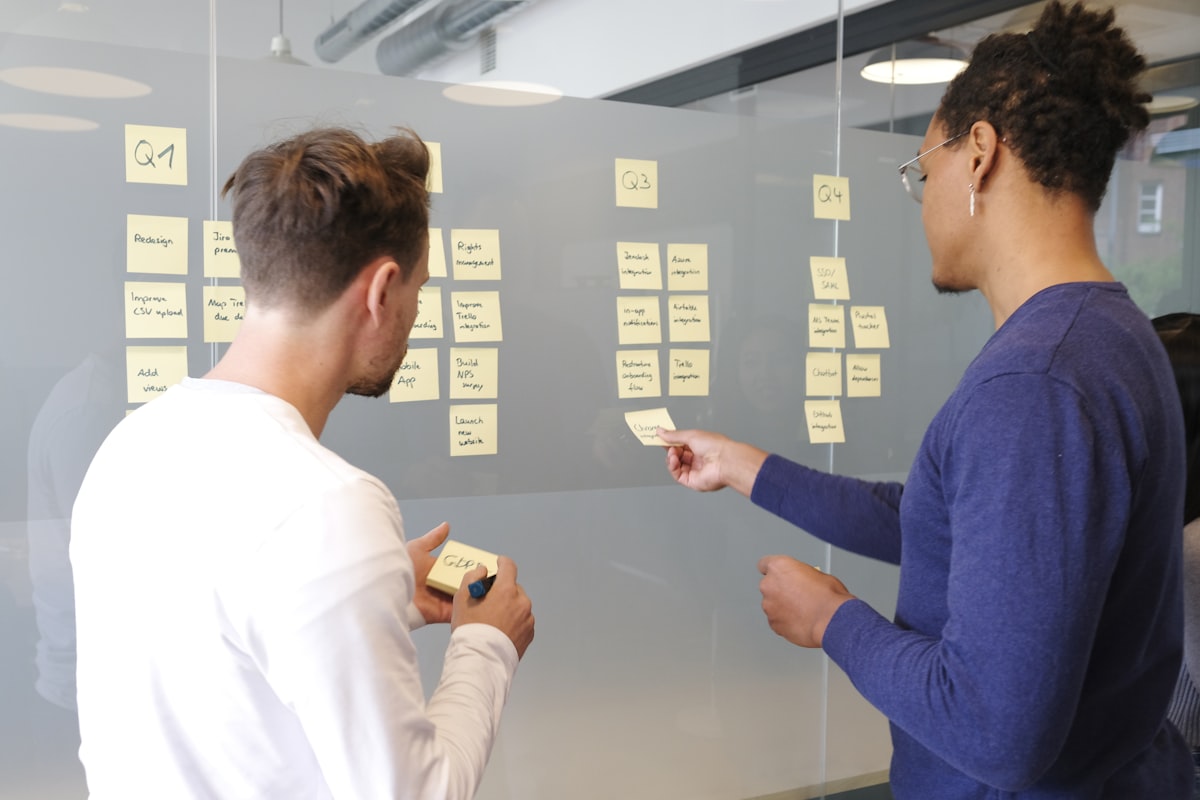
A CMS is only useful if the people using it actually can, so the setup process is as much about your team as it is about the software.
We map out exactly what your team needs to edit day-to-day - prices, offers, blog posts, images - versus what should stay locked.
The CMS approach fitted to your actual technical comfort level - a block editor, a visual page builder, or a headless setup.
Fields for price, description, image and category set up in advance, so editors fill in a form, not fight with raw layout.
Editors can publish safely without being able to break navigation, styling or core pages.
A real training session with your actual team, on your actual content, not a generic walkthrough video.
A short reference sheet left behind for the tasks you'll do most often, so training isn't the only place that knowledge lives.
We stay reachable for the handful of "how do I..." questions that come up in the first few weeks, since that's when habits form.

How long it takes your team to publish something themselves, without asking us. That number should drop from "days, waiting on a developer" to "minutes, whenever you decide to."
We stay reachable for the "how do I..." questions that come up early, since that's when your team either builds the habit of publishing directly or quietly stops trying.
More frequent updates tend to mean fresher content, which search engines and visitors both respond to - a downstream effect, not the primary reason to invest in a proper setup.
We treat time-to-publish as the real leading indicator, more than any traffic metric, because it's the thing a CMS is actually meant to fix. The primary reason to invest in a proper setup is simply getting your own team unstuck.
Tell us how your team actually needs to publish content, free, and we'll recommend the right setup.
Talk To Us About Your ContentAsk us on WhatsApp - we'll give you a straight answer, not the one that's easier for us to build.
Talk To Us On WhatsApp
What you publish, how often, and who on your team actually does it.
WordPress, Webflow or headless, matched to your team, not a default.
Reusable templates for blog posts, products and pages, set up once.
Real training and documentation so your team is confident from day one.
It lets your team edit text, swap images, publish blog posts and add pages without touching code or calling a developer. A static site needs a developer for every change, however small.
It depends on your team and needs. WordPress fits most content-heavy sites with plugin needs. Webflow suits marketing teams who want fast, visual in-browser editing. Headless CMS fits businesses needing custom performance or multiple frontends. We recommend based on how your team actually works, not a default preference.
Yes. We map your existing pages, posts and media, migrate them into the new structure, and set up redirects so nothing breaks and your search rankings carry over.
As many as you need, with role-based permissions - some team members can publish directly, others can only draft for review. We set this up based on how your team is actually structured.
Yes, always. A CMS handover includes real training and documentation, not just a login and a goodbye - we want your team confident making changes on day one.
Historically yes, but modern visual editing tools have largely solved that - non-technical marketers can now preview and publish content on headless systems without needing a developer for routine updates.
Pricing depends on the platform, content structure and how much custom functionality you need. We quote after understanding your actual content needs, not from a fixed package list.
Yes. Your content lives in your own CMS account, not locked into a proprietary system only we can access. You can bring in another developer or agency at any time.
Custom WordPress theme development and WooCommerce builds - without the plugin bloat that slows most WordPress sites down.
Learn more →Mobile-first, accessible, Core Web Vitals-ready websites - built to load fast and convert, not a template with your logo pasted on it.
Learn more →Online stores built for how Indians actually pay and shop - UPI, Razorpay and mobile-first checkout that fixes where stores lose the most customers.
Learn more →Tell us how your team actually needs to publish - we'll recommend the right setup, no pressure.